- Overview
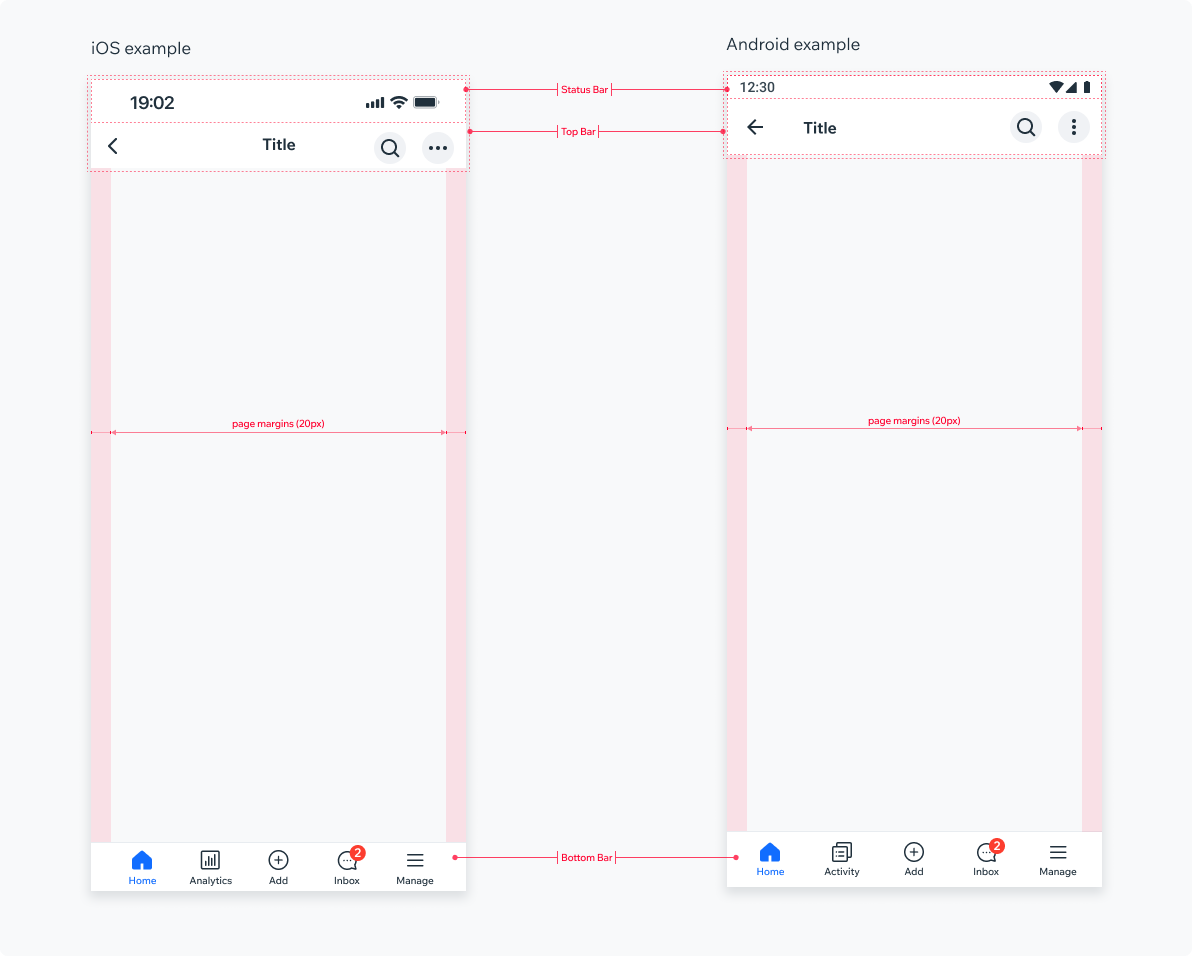
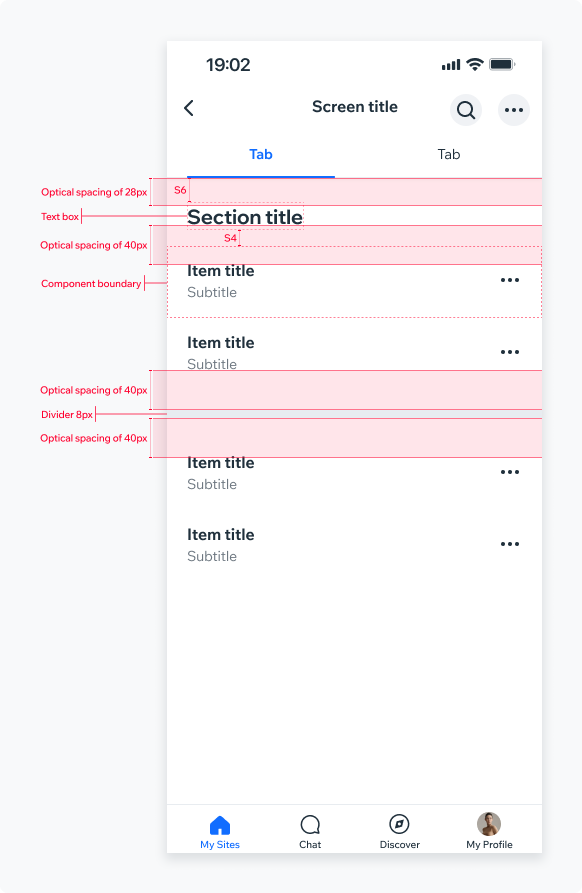
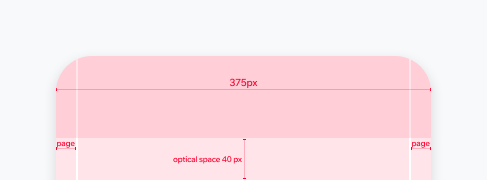
Using optical spacing ensures visually balanced and aesthetically pleasing screen layout. It is an “empty space” between visible elements and ignores actual component container/boundary.
We use two primary optical spacing options:
40px optical spacing should be applied in these:
- Below Tob Bar component
- Above and below titles
- Above and below dividers
28px optical spacing is applied below the TabBar component.
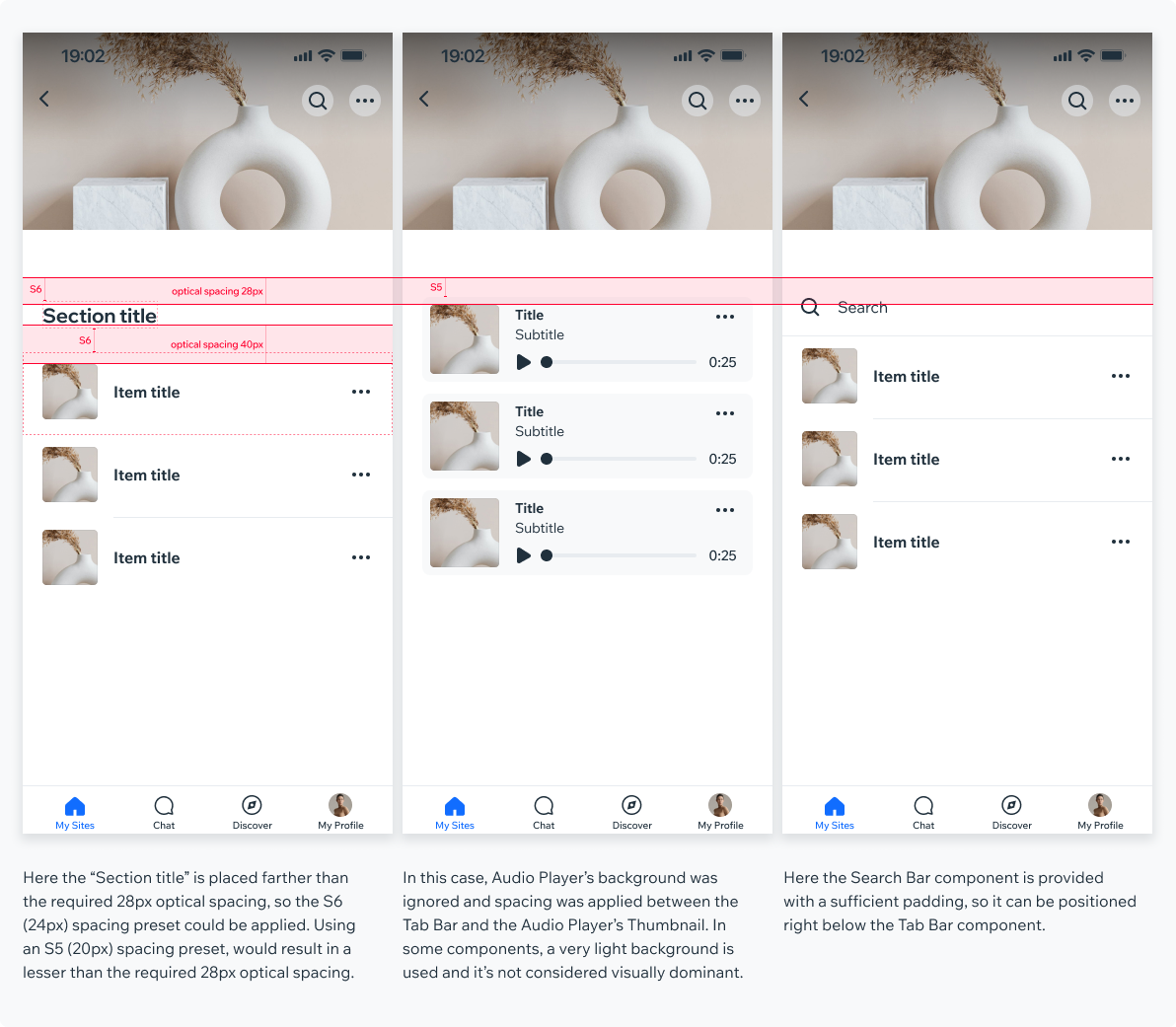
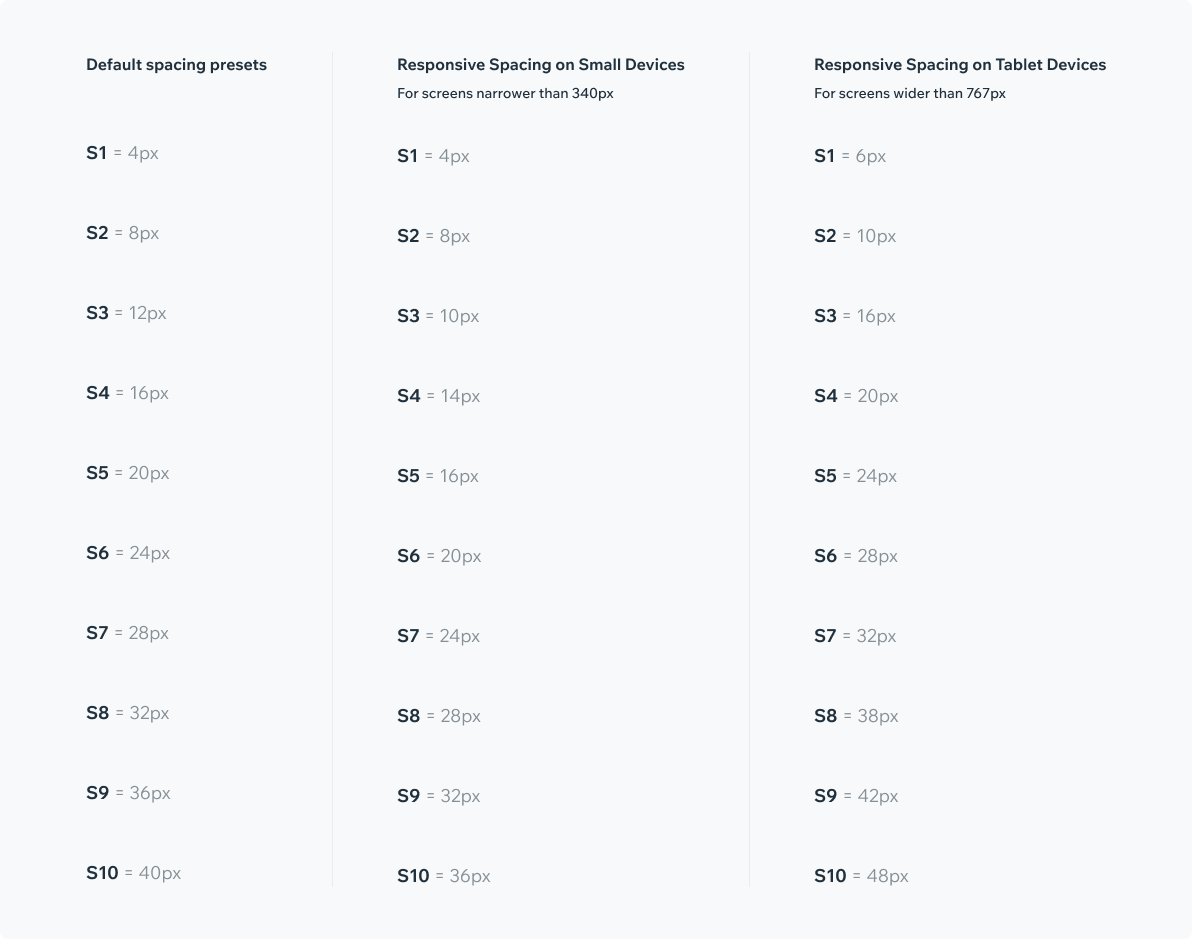
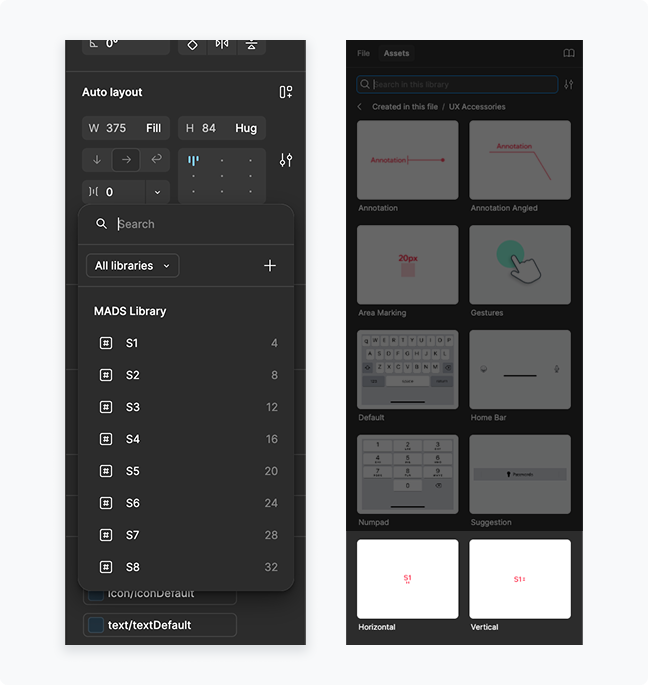
Spacing presets should always be used in screen layout. When an optical spacing is required, final components positioning should be adjusted according to a spacing preset.
In some cases, you won’t be able to pick a matching spacing preset. In such cases, optical spacing can be greater than 40 or 28 pixels.
In addition, many components have padding implemented in them, so actual spacing preset differ (see examples below):